Change Password
RedEye takes security seriously therefore changing your password regularly is highly recommended as is choosing a strong password.
On the RedEyeDMS Login page (https://app.redeyedms.com/login), click Don't remember your password?.
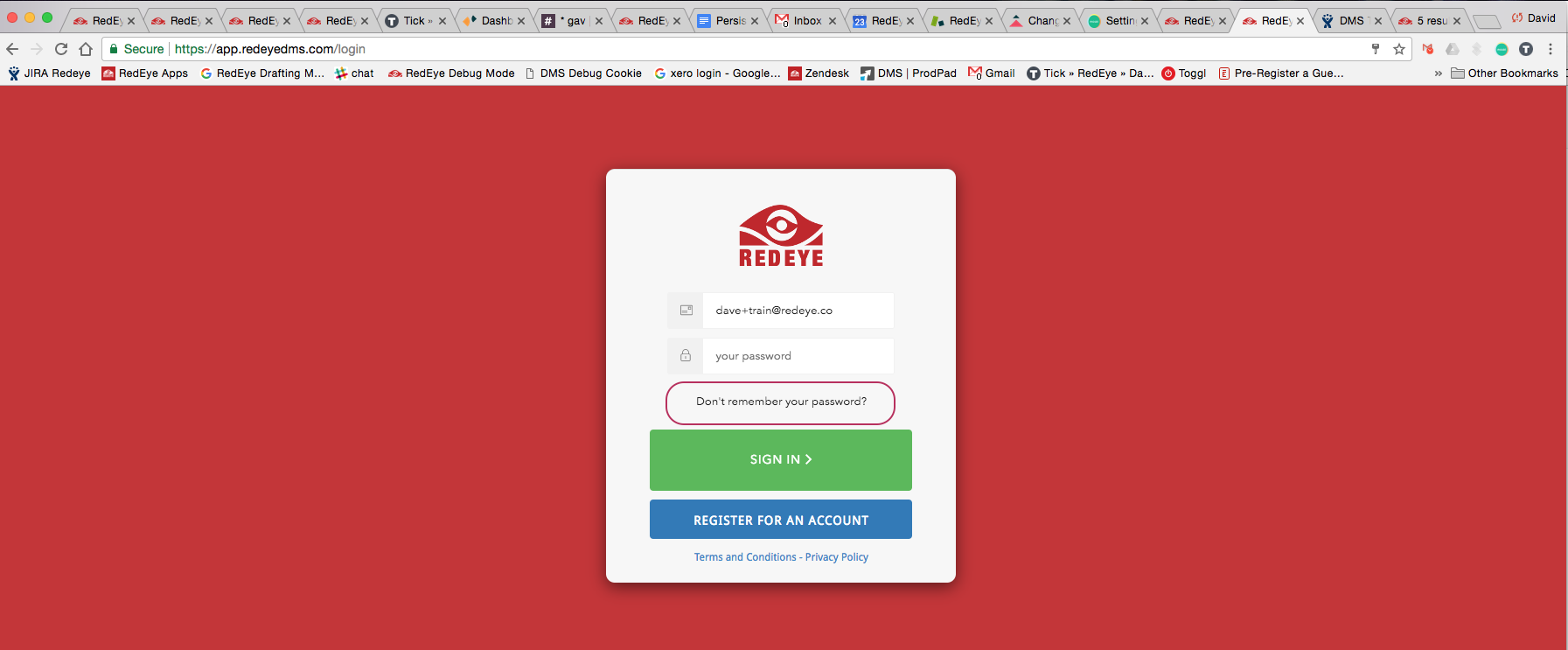
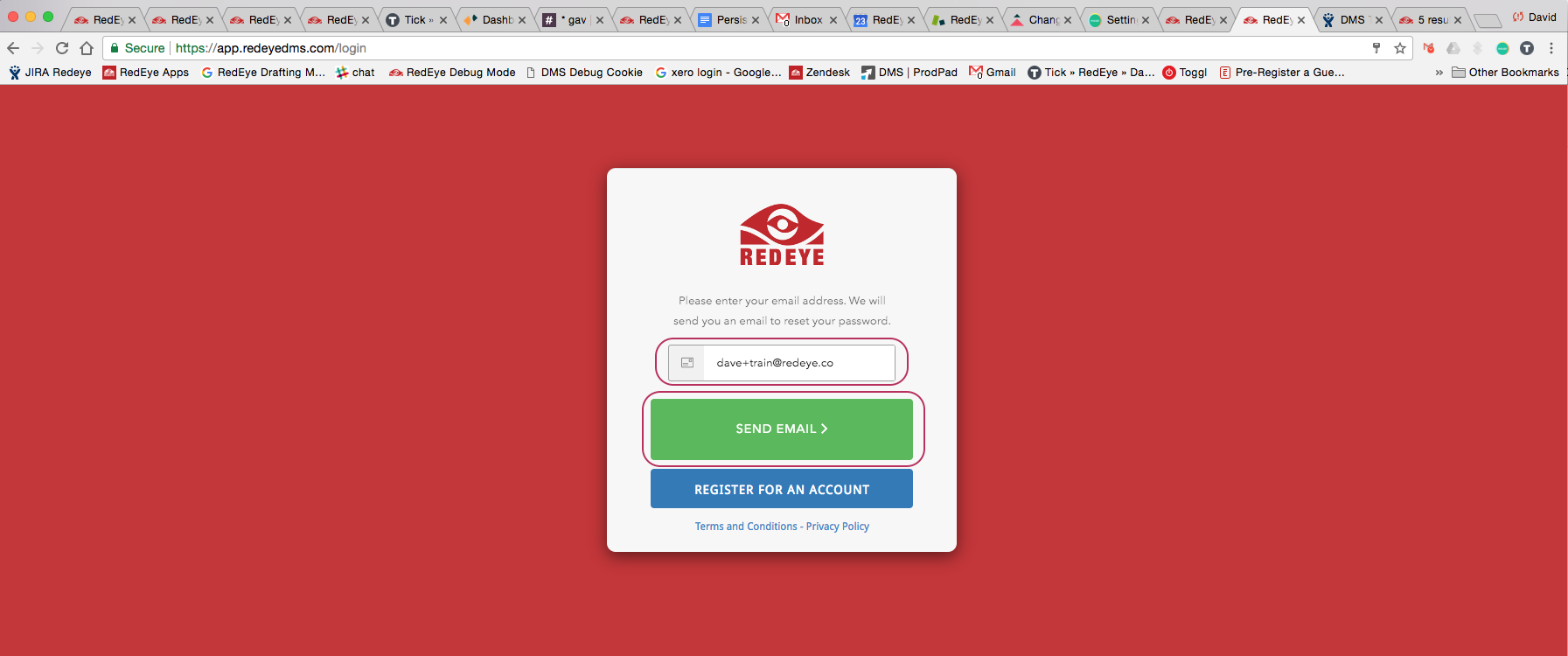
Click this link to open a page to confirm the Username details and click Send Email. An email with instructions will be sent to the email address in the Username field, simply click the link, change password details as prompted then log in with the new password.
If you log in using Single Sign On (SSO - ie. corporate email only entered into login box) the password used to authenticate into RedEyeDMS is your corporate password. Use of the 'Don't remember your password?' link will not work in the SSO case - please change your password directly within your corporate IT system
If you have not received a RedEye invitation or notification as expected then check Spam/Junk folders - sometimes they get moved in there by your email providers!